
Back to Argus Pro

Release notes

What's new in 0.19.0

v0.18.7 v0.19.0

The biggest update since launch: draw your own scan area, watch the route on a live radar, send a problem report in one click — and the bot now recovers from network drops on its own.

  • 7New
  • 4Improved
  • 2Fixed
Manual Scan in 2 minutes2:17

Spotlight

Your map, your area.

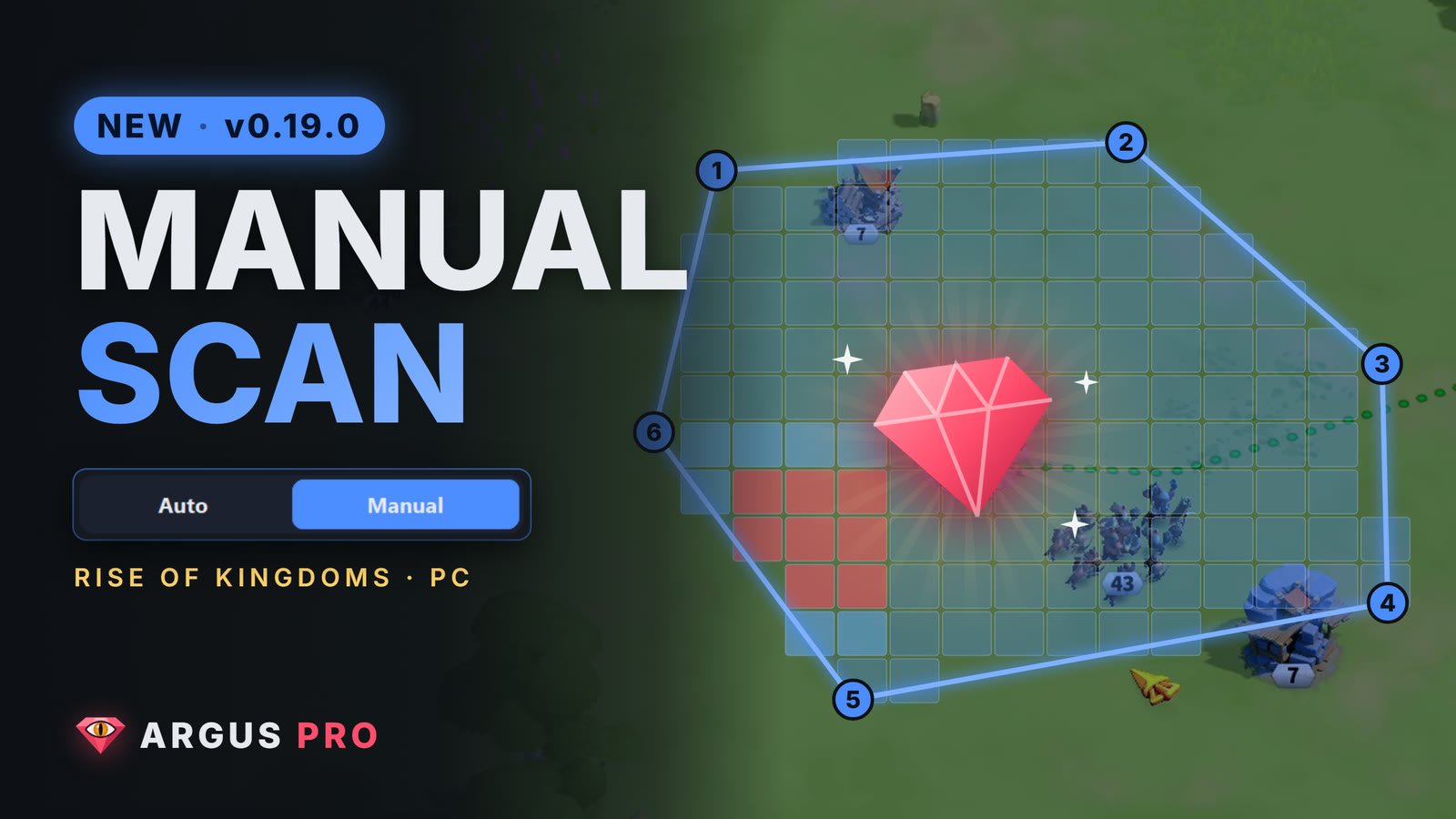
Next to the automatic spiral there's now a Manual mode. Type the corners of any shape and the bot sweeps exactly that area, cell by cell.

  • Any shape: 3 to 20 corners, coordinates 0–1200
  • Snake-like route: every cell once, closest to your city first
  • Save areas by name and switch with one click
Live radar 67 / 147 · 46%
1 2 3 4 5 6
  • Scanned
  • Next (route)
  • Camera
  • City

Drawn with the bot's real route code.

Before → After

0.18.7 vs 0.19.0

What changes for you, side by side.

Scan area

Automatic spiral around your city only

Automatic or Manual: draw your own area, save it, load it

Mini map

Spiral rings around the city

Follows the camera: red = scanned, blue = next 30 cells on the route

Network drop

Could wait forever on the "network lost" box, or miss it mid-task

Spotted every frame → Confirm → 10 s → back to the exact cell

Troop counter

A single bad frame could make it misread

Confirmed over 2 more frames; still found when an icon pushes the panel down

Panel window

Could reopen huge after minimizing, or drift between monitors

Size locked per monitor, stays put

Reporting a problem

Hunt for log files yourself

One click: a report zip on your desktop, ready for Discord

Status texts

"Ready", "Paused"… always in Turkish

Always in your panel language

Changelog

Everything in 0.19.0

  • New

    Manual scan area

    Draw your own area by typing its corners (X, Y). Any shape works; the bot walks a snake-like route through it instead of the spiral.

  • New

    Saved areas

    Save an area by name and load it back with one click. Each one gets a tiny preview sketch.

  • New

    Live radar

    In a manual area the mini map follows the camera: red is scanned, blue is the next 30 cells on the route.

  • New

    Round progress

    A new line shows how far the round is: Round: 120 / 260 cells (46%).

  • New

    Round time warning

    If an area is so big that one round outlasts the scan memory (~30 min), the editor warns you up front.

  • New

    Report a problem

    One click puts a report zip on your desktop (log, settings, system info). Nothing is sent automatically — you send it on Discord.

  • New

    License terms screen

    Read the license terms inside the panel, in the panel's language.

  • Improved

    Network drop recovery

    The "network lost" box is now checked every frame. The bot drops what it's doing, taps Confirm, waits 10 s and returns to the cell it left off.

  • Improved

    Fixed-size panel window

    The panel's size is locked per monitor: no more huge window after minimizing, no drifting between screens.

  • Improved

    Corner order fixes itself

    Entered the corners crosswise and the edges cross? The route is untangled for you. The order you typed stays as it is.

  • Improved

    Refreshed guide

    16 steps covering the scan area, radar and problem reports; every language has its own panel screenshots.

  • Fixed

    False "empty" on the troop counter

    A single bad frame could make the troop counter read as empty. It's now confirmed over 2 more frames, and still found when an icon pushes the panel down.

  • Fixed

    Status texts in your language

    "Ready", "Paused", "Stopped"… showed up in Turkish in every language. They now follow the panel language.

History

Earlier releases

  1. v0.18.7
    • Simpler setup guide: the Medium preset sets the rest, only the FPS step remains
    • Chat, teleport and click fixes
  2. v0.18.6
    • Title bar stays on screen in small mode (1366×768)
    • Y coordinates read correctly at 900p
    • Gem deposit popup handled with Gather
  3. v0.18.5
    • Gathering timing fix
  4. v0.18.4
    • Screen recognition 7.6× faster
    • Panel size fixed per monitor
  5. v0.18.3
    • Set your city position by hand in small-screen mode
    • Teleport box fixes
  6. v0.18.2
    • Leaner installer (Tcl/Tk 926 → ~105 files)
    • Guide built into the app
  7. v0.18.0
    • Panel in Vietnamese and Chinese

Get v0.19.0

42 MB · Windows 10 / 11 (64-bit)

Download for Windows

v0.19.0 · SHA-256 5CBD5921…1FAE2541